
Clean Your iPhone Storage
AI Phone Manager is a smart cleaning tool that helps you easily manage your iPhone storage and free up more space.
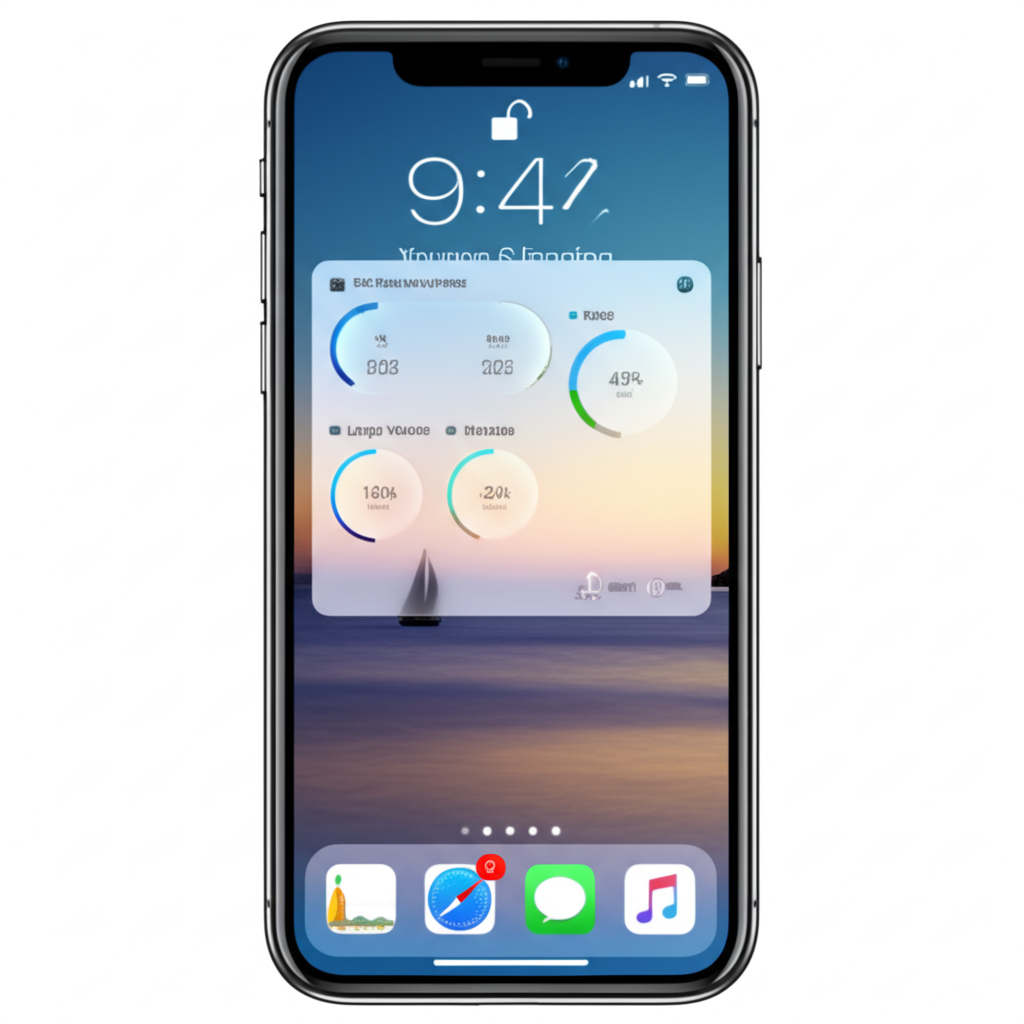
Powerful Features
AI Phone Manager offers a variety of smart tools to help you easily manage your iPhone storage
Smart Cleanup
Automatically identify and clean up useless files to free up more storage space
Photo Management
Easily organize and delete duplicate photos to save valuable space
Privacy Protection
Protect your private data and securely manage sensitive information
App Interface
Clean and intuitive user interface for easy operation
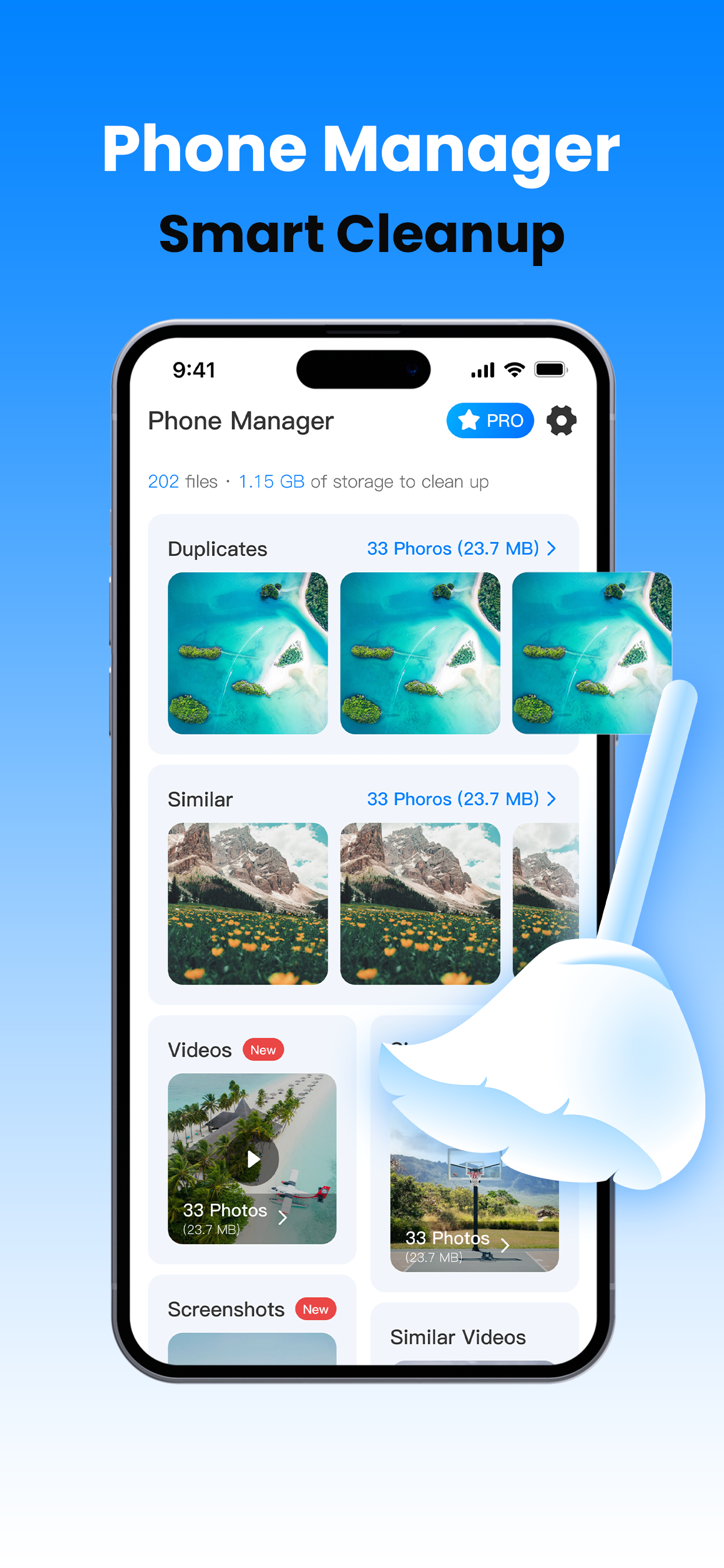
Smart Cleanup
Quickly identify duplicate photos
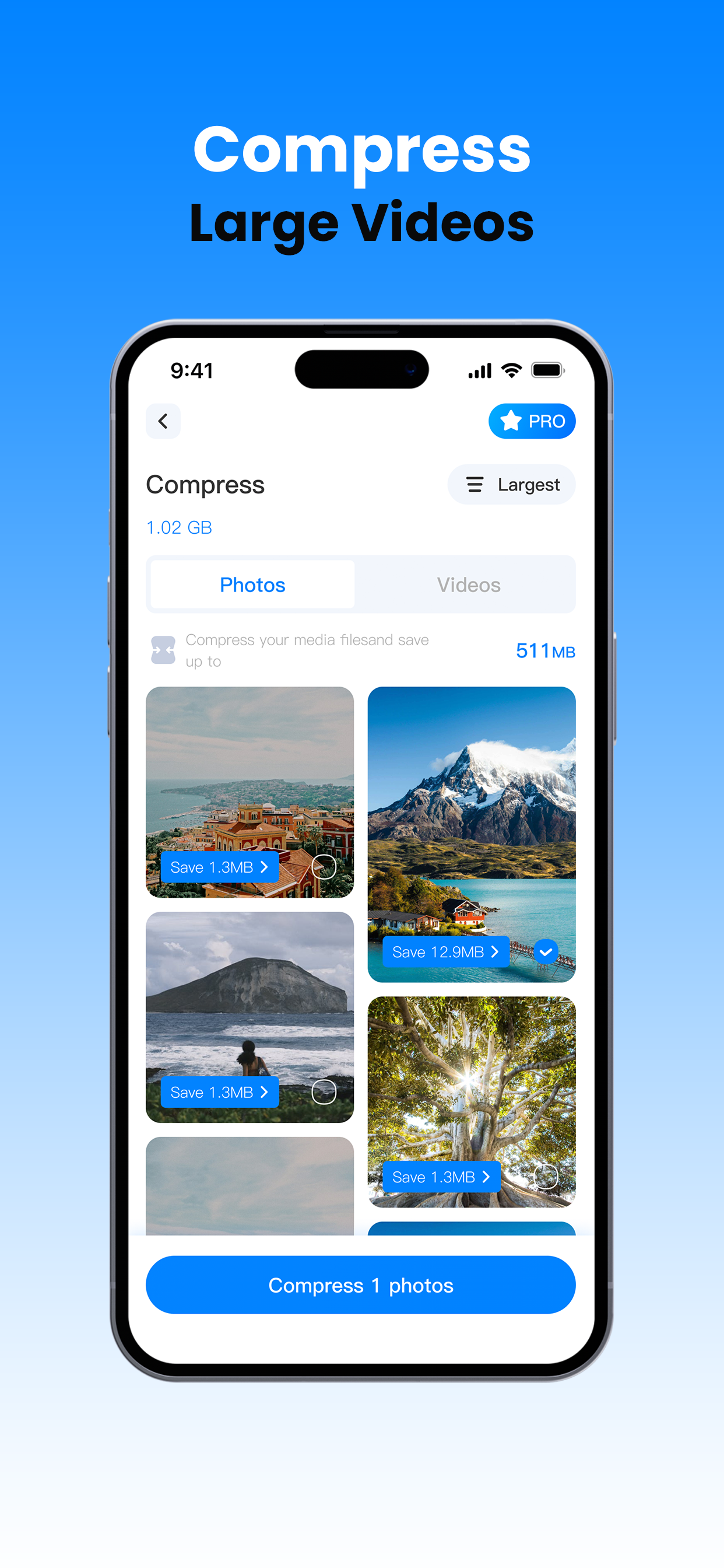
Compress Videos
Save large amounts of storage space
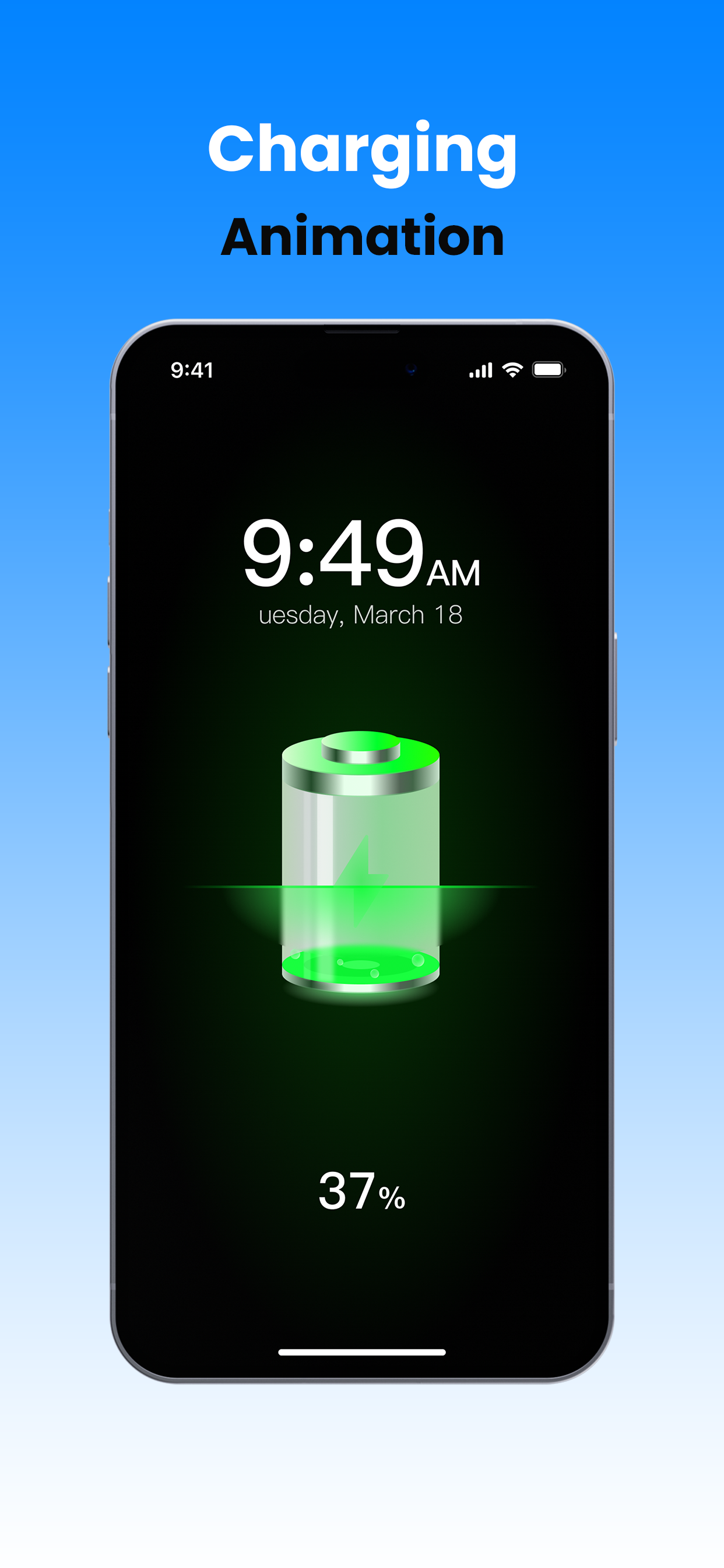
Charging Animation
Beautiful and practical charging interface
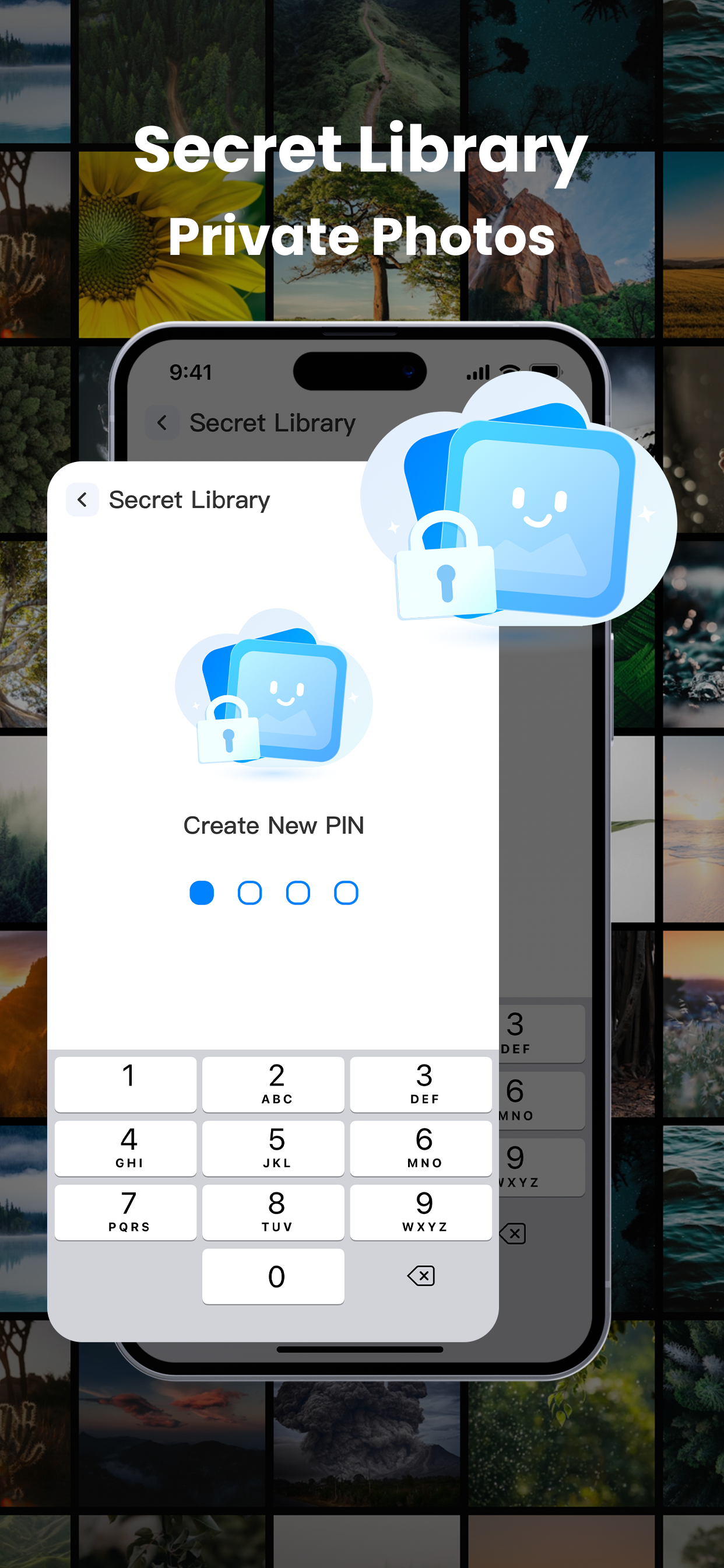
Private Album
Securely protect your private photos
User Reviews
See what other users are saying about AI Phone Manager

John D.
This app is amazing! It helped me clean up over 10GB of storage space, and it runs very fast.

Sarah L.
Clean interface, simple operation, and noticeable cleaning effects. Highly recommended for all iPhone users!

Michael W.
After using it, my phone's running speed has significantly improved, and storage space has also increased. Very practical tool.
Frequently Asked Questions
Common questions about AI Phone Manager
How does AI Phone Manager clean storage space?
AI Phone Manager uses intelligent algorithms to identify and clean cache files, temporary files, duplicate photos, and other useless data, thereby freeing up your iPhone storage space.
Will using AI Phone Manager delete my important files?
No. AI Phone Manager only cleans files that are safe to delete and will not delete your important data. Before cleaning, the app will display what will be deleted for your confirmation.
Can I use one subscription on multiple devices?
Yes. You can use your subscription on up to 5 devices using the same Apple ID.
How do I cancel my subscription?
You can manage and cancel your AI Phone Manager subscription at any time through your iPhone's Settings > Apple ID > Subscriptions.
Which iOS versions does AI Phone Manager support?
AI Phone Manager supports devices running iOS 13.0 and above.
Download AI Phone Manager Now
Free up your iPhone storage space and make your device run faster and smoother